


Understand the Games Your Child Plays
ParentNext is a parental control app focused on children's video games. Upload a screenshot or photo of a game, and AI explains in plain language which ages it suits and what its risks are. You can also follow your child's screen time on their Android phone and Windows computer from the same app.

Do You Know the Games Your Child Plays?
A game's age label doesn't tell you about in-game chat, loot boxes, or how long your child plays each day. Researching every game yourself is exhausting.
The Solution
ParentNext reviews the game for you and sums up the result clearly, in 15 languages. Screen time, location and notifications are in the same app, and a second parent you invite sees the same information.
What the App Does
AI Game Analysis
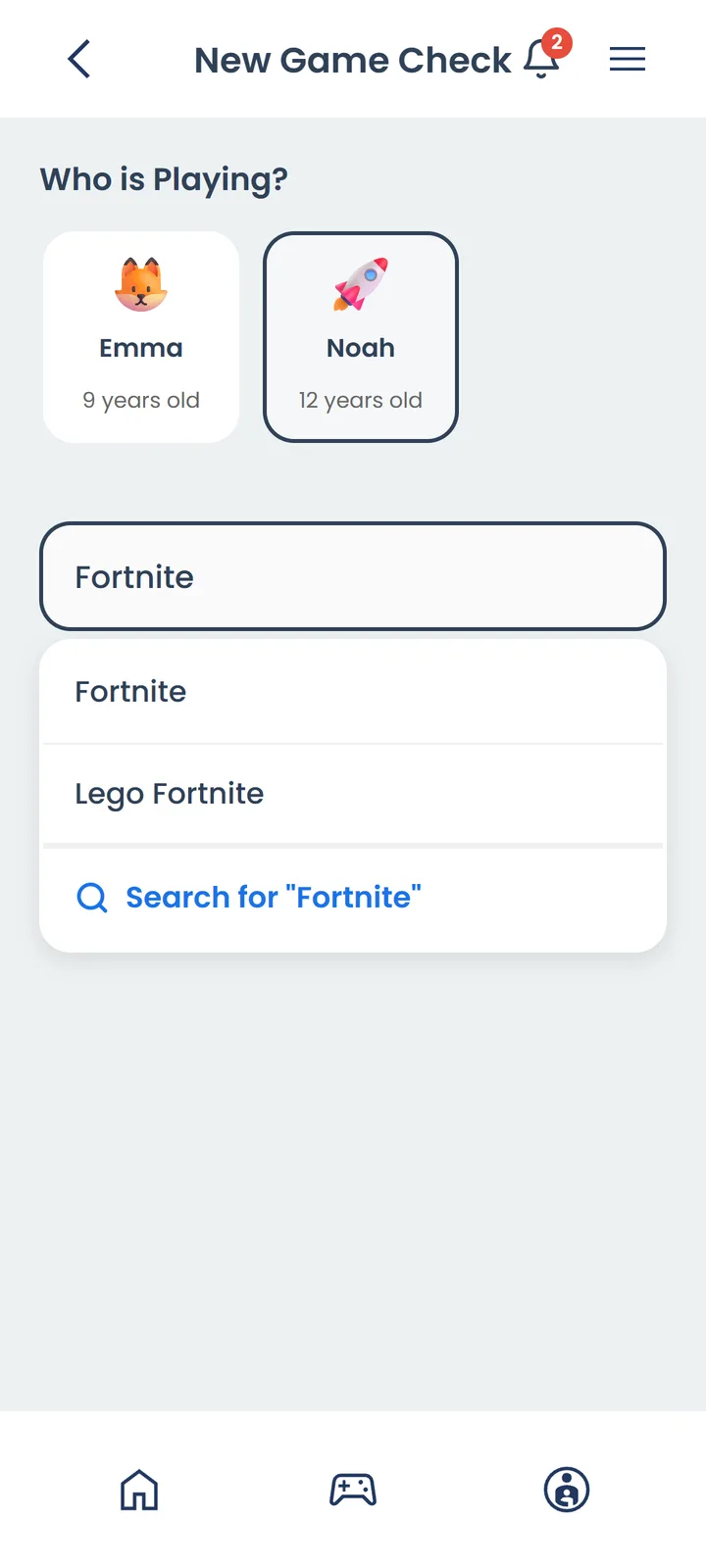
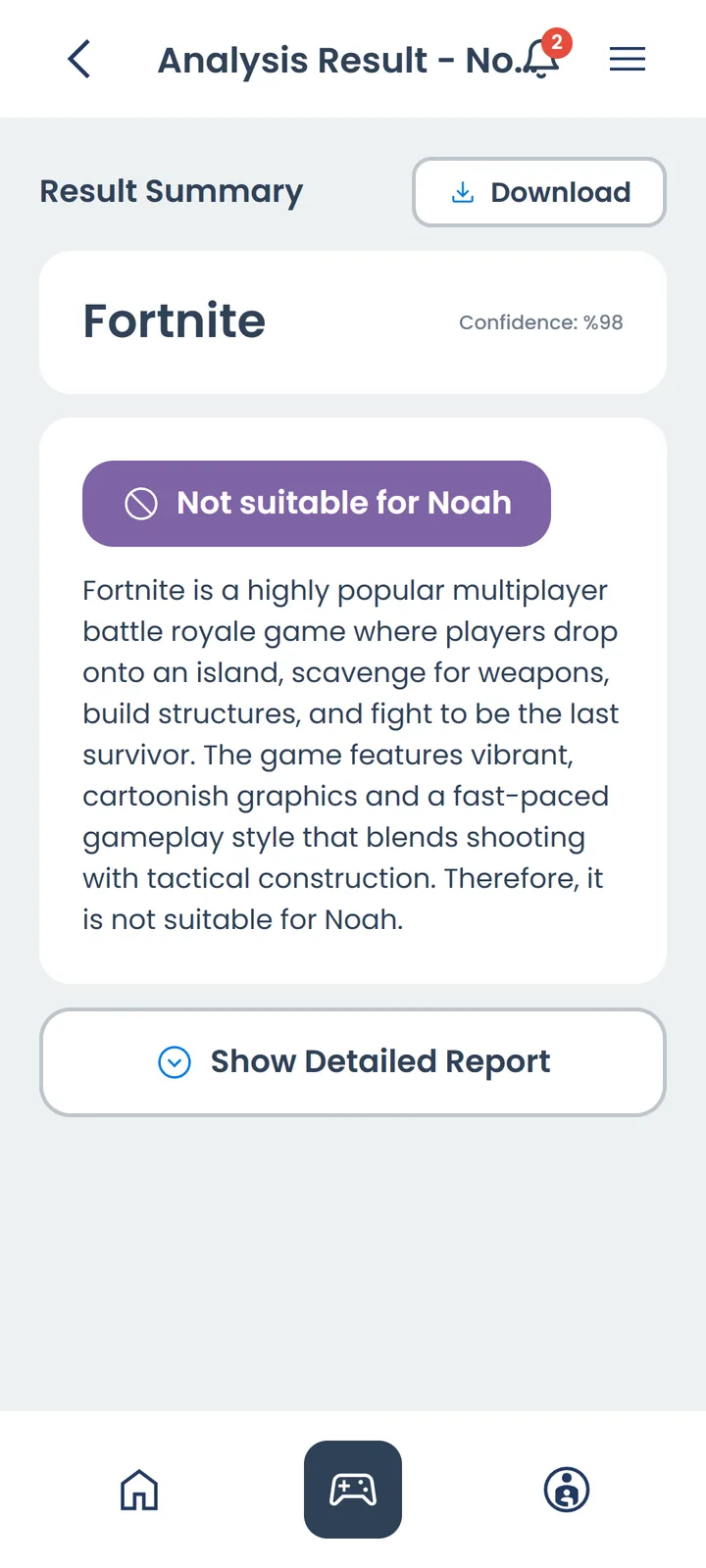
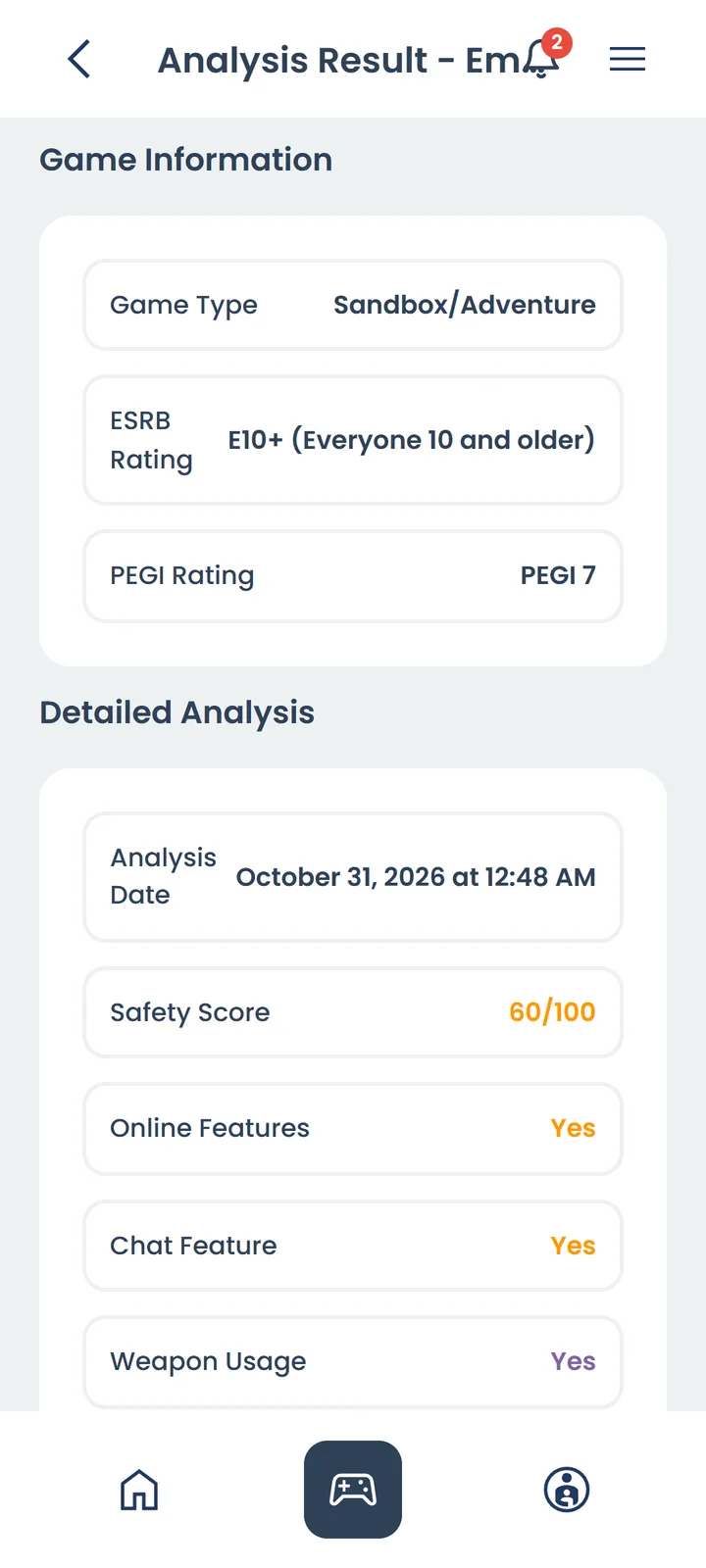
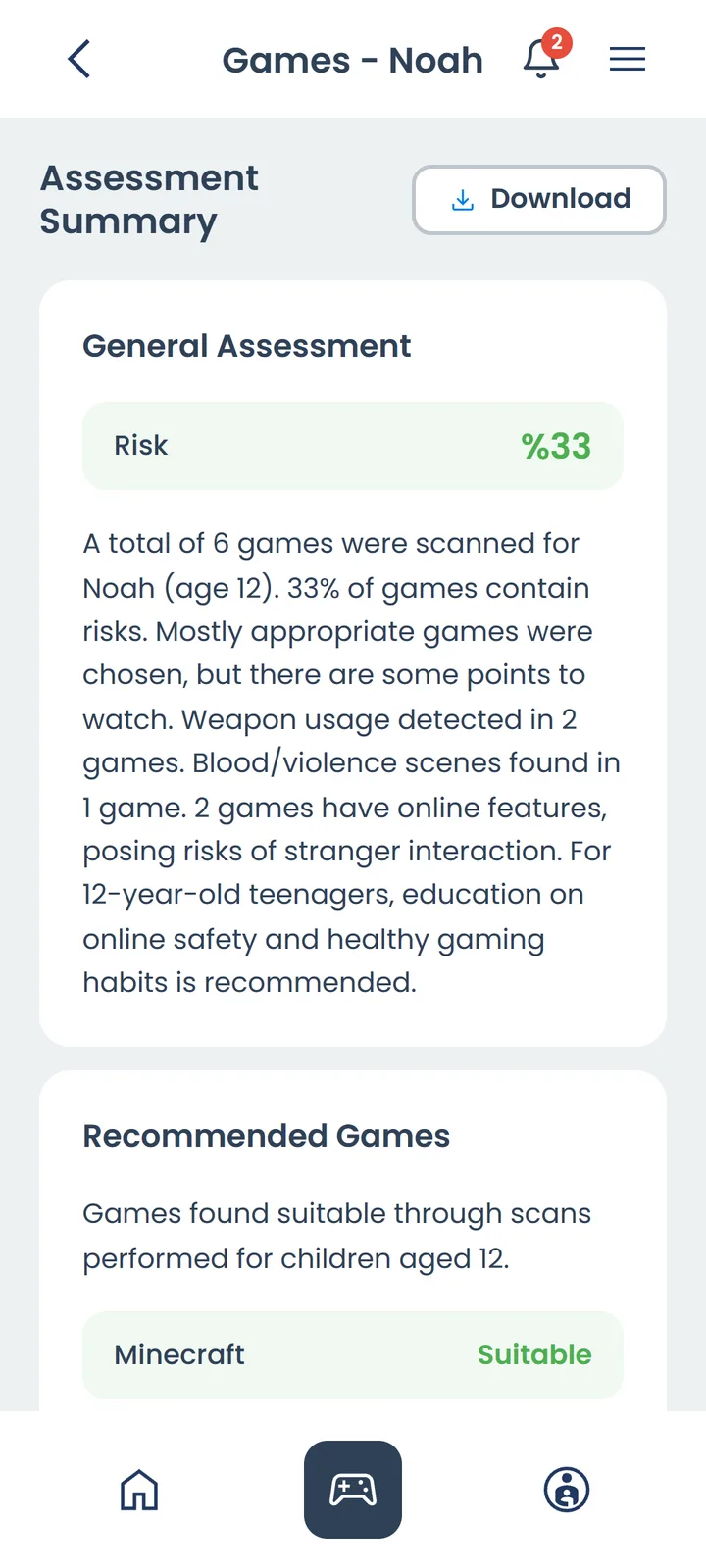
Upload a screenshot of the game or a photo of the screen. AI explains age suitability and risk factors such as chat with strangers, violence, loot boxes and gambling-like mechanics in plain language. Works in 15 languages.
Screen Time
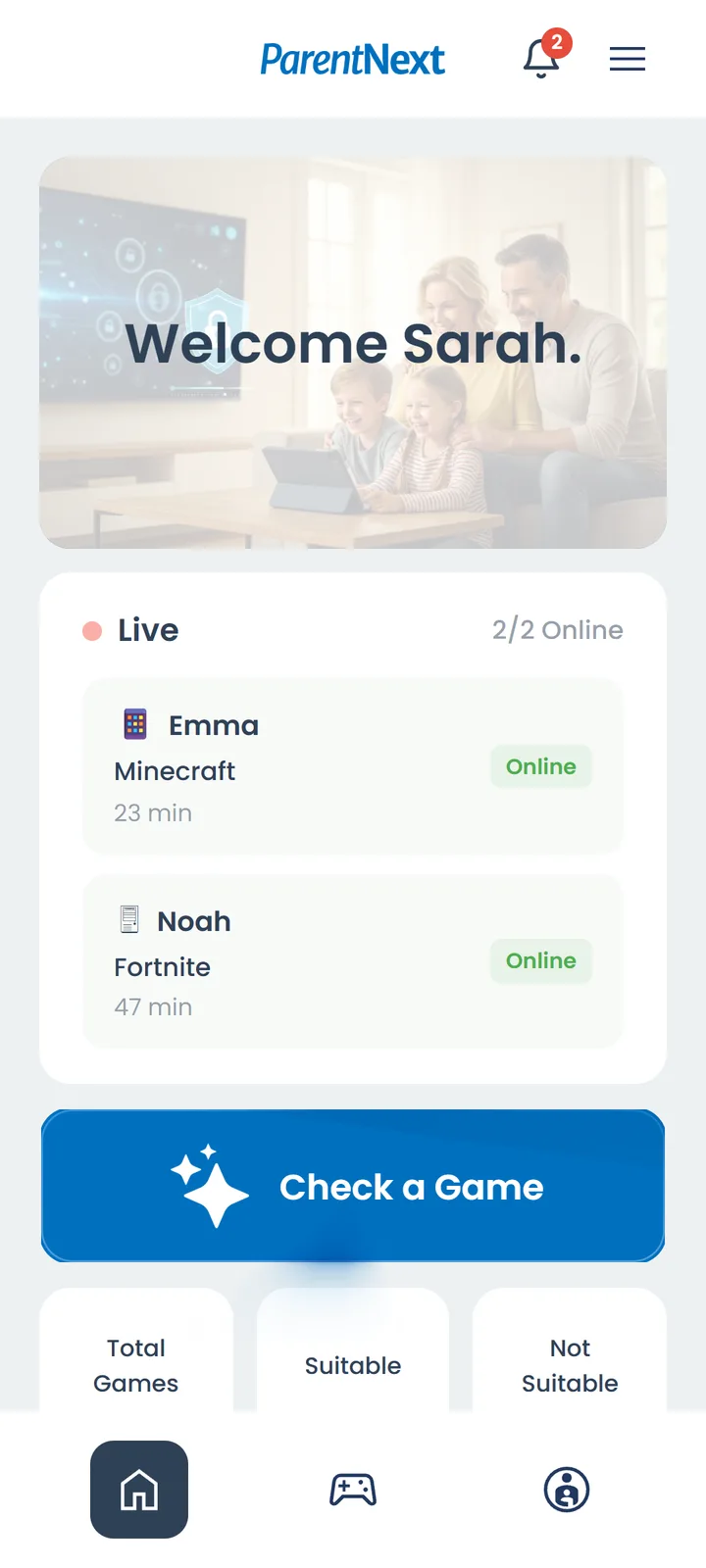
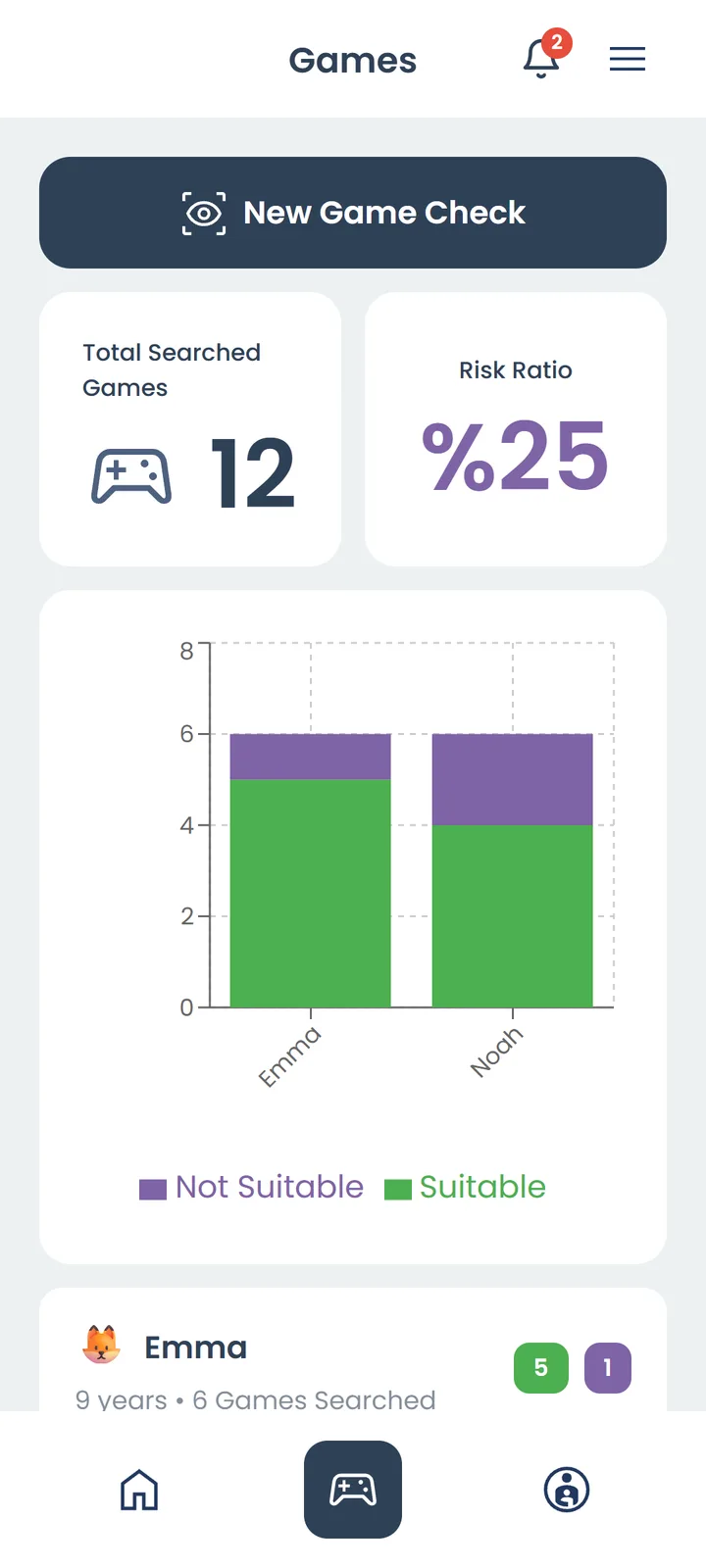
Usage from your child's Android phone or tablet (child mode) and Windows computer (ParentNext Agent): per app, with games highlighted; per device (phone, tablet, computer); today and the last 7 days; hour by hour, including night use. Idle computer time isn't counted.
Daily Limit and Alert
Use the recommended daily limit for your child's age (ages 2–5: 1 hour, 6–12: 2 hours, 13–17: 3 hours) or set your own. When the total across all devices goes over the limit, you get one alert that day.
Second Parent and Family
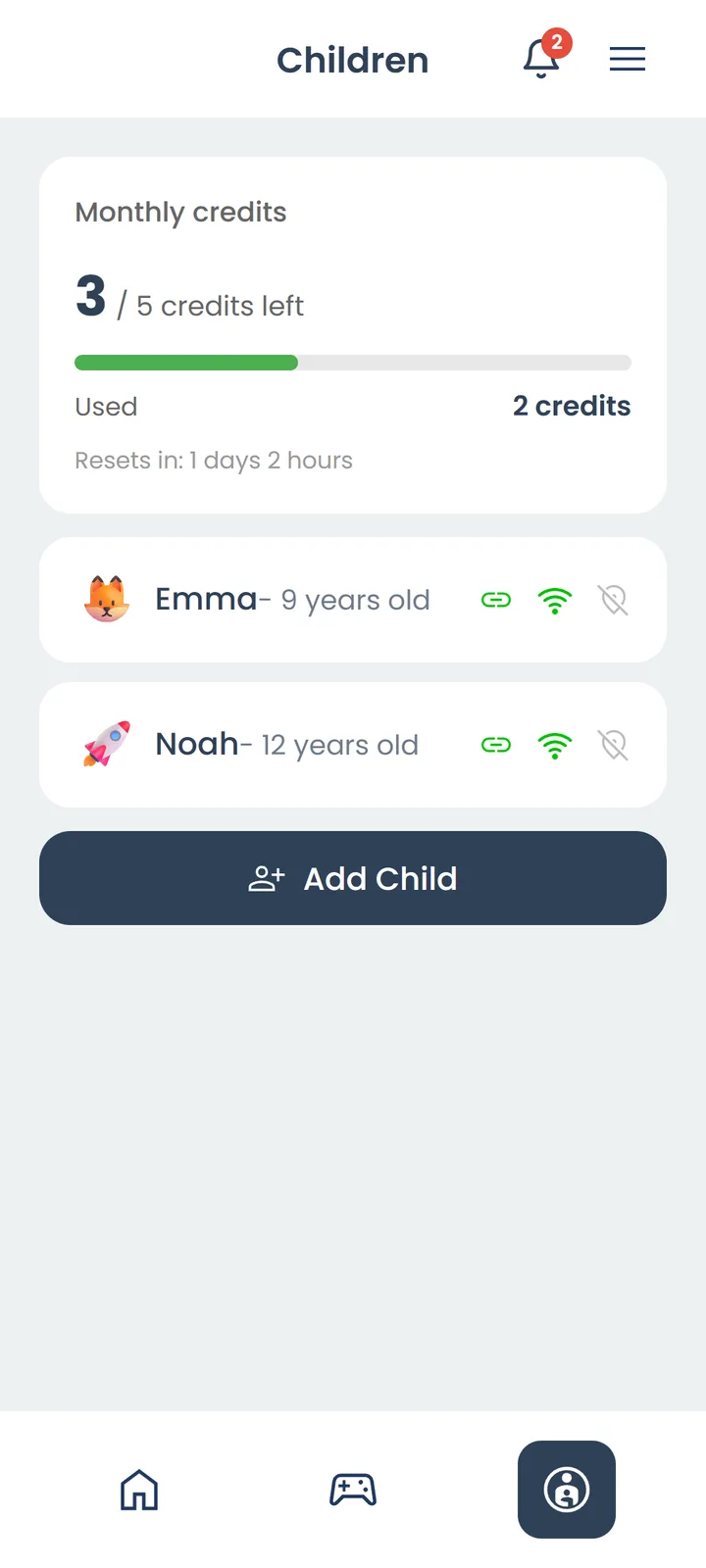
Invite your partner or a relative with a code (up to 4 more parents). They see the same children, analyses, location, screen time and notifications.
Location
See the location of your child's Android phone in the app.
ParentNext Agent for Windows
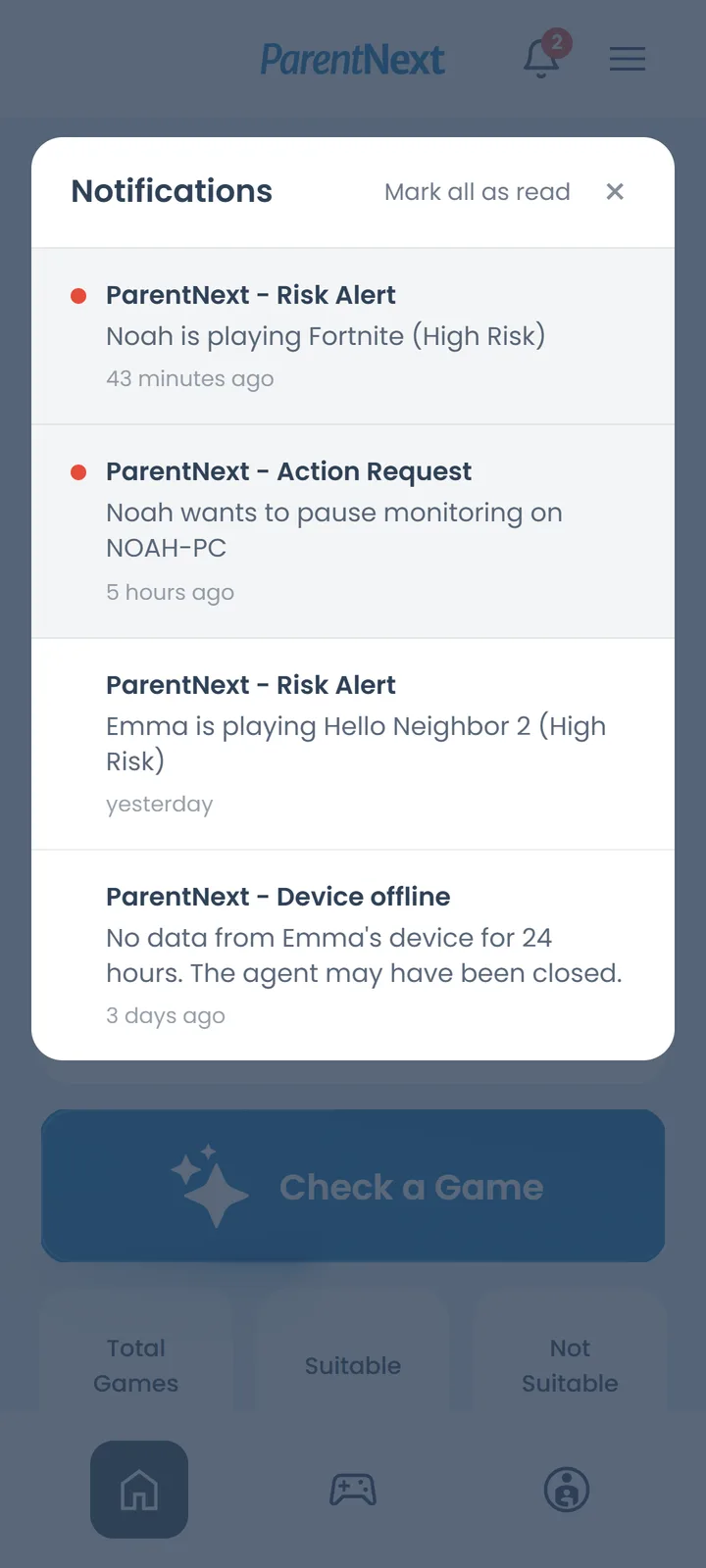
Detects games opened on the computer automatically. Pausing monitoring, unpairing or quitting the app requires parent approval.
Who is ParentNext For?
Parents who want to know whether the games their child plays suit their age
Families who want to see total screen time across phone, tablet and computer in one place
Parents who want to understand risks such as chat with strangers, loot boxes and in-game spending
Mothers and fathers who want to share monitoring with a partner or relative

